
Download 4DDiG Partition Manager – partition manager, disk management, Windows utility, data recovery, system optimization
Overview
4DDiG Partition Manager is a specialized disk management utility developed for Windows users seeking advanced control over their storage systems. Designed with both technical professionals and experienced users in mind, the application enables efficient handling of disk partitions through core operations such as resizing, creating, deleting, and formatting. These capabilities are particularly valuable for individuals managing limited storage space, preparing systems for software installations, or troubleshooting disk-related performance issues. The app supports a range of storage devices, including HDDs and SSDs, ensuring compatibility across different hardware configurations. Its ability to perform these operations without data loss positions it as a reliable tool in both personal and professional environments.
While the developer did not provide detailed background information about the company’s history or prior product offerings, 4DDiG has established itself as a provider of data recovery and system utility tools. The application is especially useful in scenarios involving system upgrades, disk reorganization, or recovery from accidental partition deletion. It plays a critical role in the Windows software ecosystem by offering a dedicated solution for users who require precision and safety in disk management tasks. For system administrators, IT support staff, and power users, 4DDiG Partition Manager serves as a vital utility for maintaining system health and optimizing disk utilization.
Key Features & Functionality
- Partition Resizing: Adjust partition sizes dynamically without deleting data, allowing users to allocate more space to critical drives or reclaim unused space.
- Partition Creation: Create new partitions from unallocated space, ideal for organizing data or preparing drives for dual-boot setups.
- Partition Deletion: Safely remove unnecessary partitions to free up disk space while minimizing the risk of system instability.
- Partition Formatting: Format partitions with various file systems (e.g., NTFS, FAT32) to prepare drives for specific use cases.
- Data Recovery Integration: Recover lost files after partition changes or system failures, offering a safety net during disk modifications.
- Non-Destructive Operations: Perform all major partition tasks without erasing existing data, enhancing user confidence during complex disk adjustments.
These features are designed to address real-world challenges such as insufficient C: drive space, inefficient disk organization, or the need to repurpose storage after hardware upgrades. For example, a user upgrading their operating system can use the app to shrink the existing system partition and create a new one for the fresh OS installation. Similarly, a technician troubleshooting a failing drive can use the data recovery function to retrieve important files before reformatting. The integration of recovery tools within a partition manager reflects a thoughtful approach to minimizing user risk during high-stakes operations.
Interface, UX & Performance
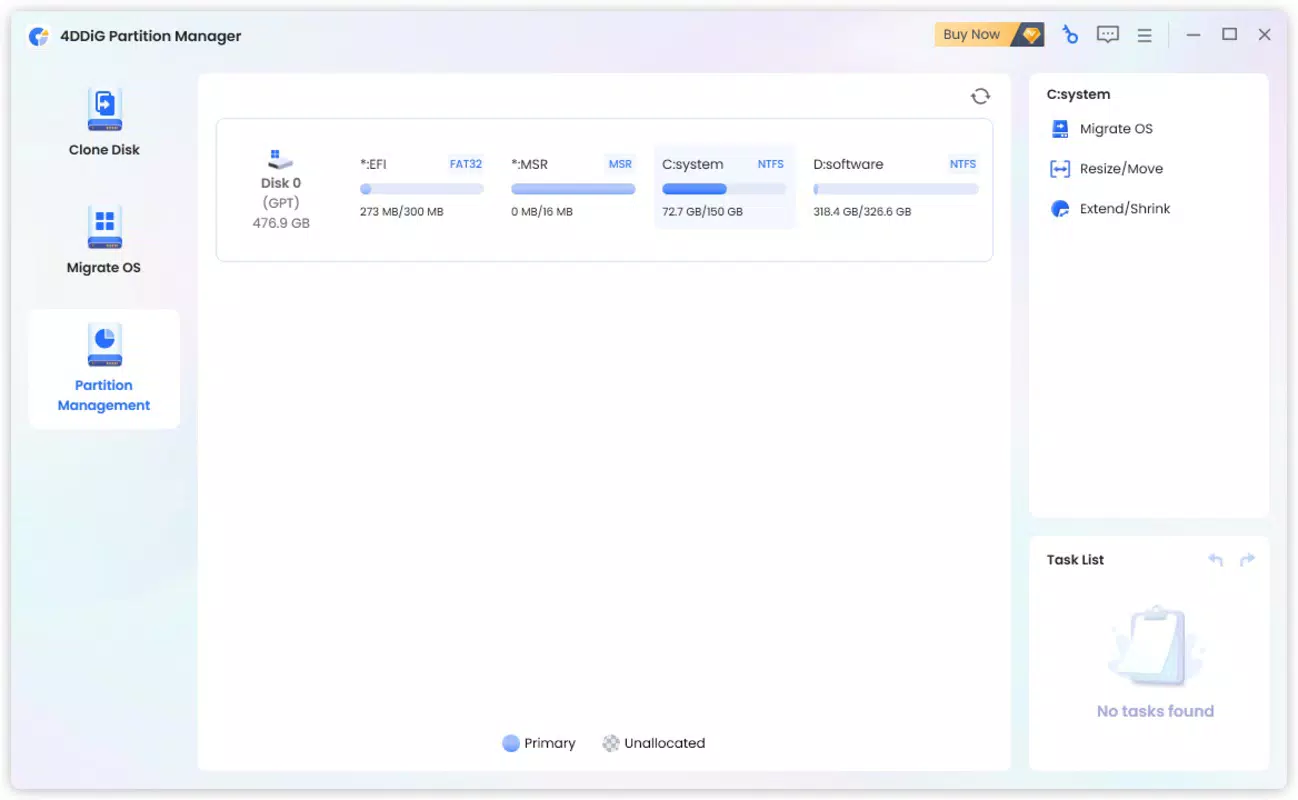
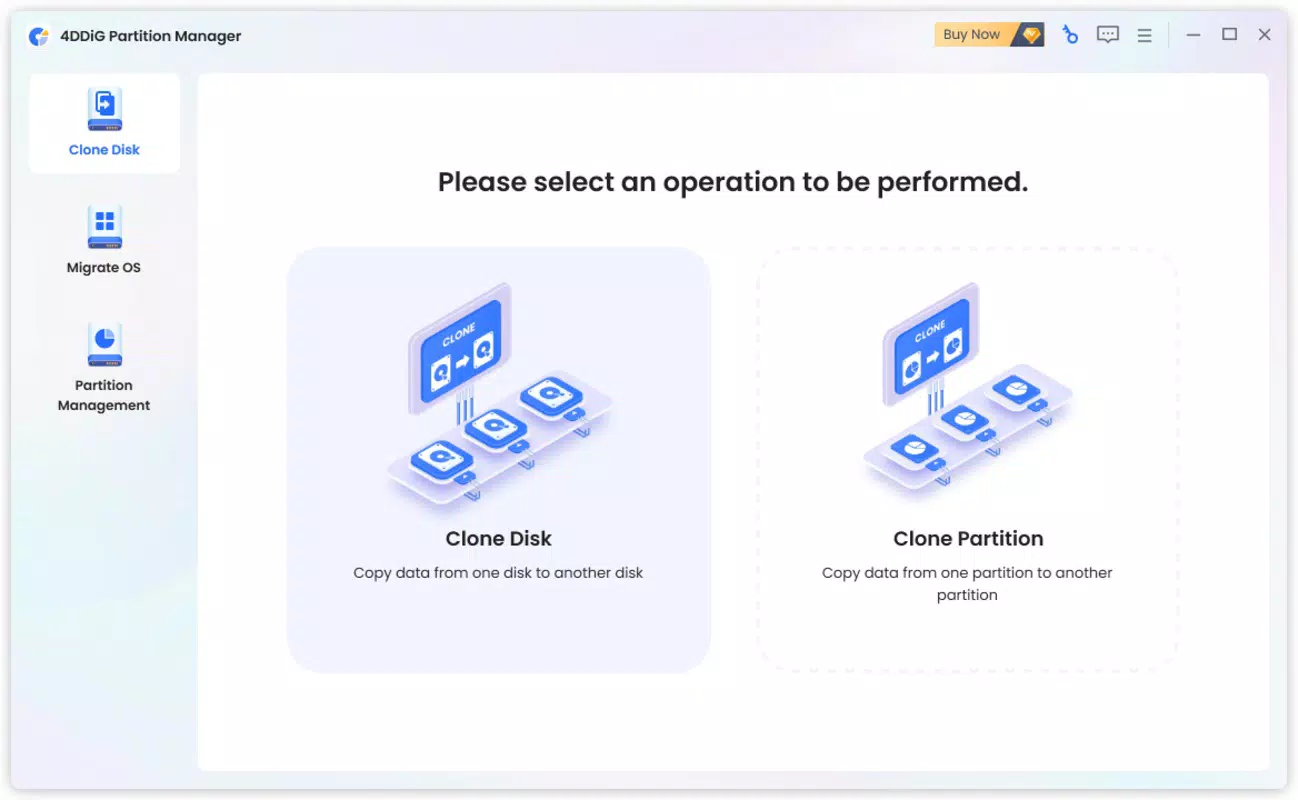
The user interface of 4DDiG Partition Manager is structured to prioritize clarity and workflow efficiency. The main dashboard presents a visual representation of all connected drives and their partitions, enabling users to quickly identify available space and existing configurations. Navigation is straightforward, with clearly labeled tools and step-by-step wizards guiding users through complex operations. The design avoids clutter, focusing on essential controls and real-time feedback during partition changes.
Although the developer did not list formal performance metrics, the application operates smoothly on standard Windows systems, with minimal impact on system resources during routine tasks. Responsiveness is consistent across different device categories, including desktops and laptops, ensuring a stable experience during critical operations. The software maintains stability even when handling large partitions or multiple disk drives. Users can expect reliable execution of commands without unexpected crashes or freezes, which is essential when managing system-level data. The interface remains accessible even for users with limited technical expertise, thanks to intuitive tooltips and contextual guidance.
Platform Compatibility & Technical Requirements
4DDiG Partition Manager is designed exclusively for the Windows platform, supporting a range of Windows operating systems. The application is available in version 1.2.0 and has a file size of 35.4 MB, making it a lightweight utility suitable for installation on most modern systems. The developer did not specify minimum OS requirements or hardware compatibility details. However, given its nature as a disk management tool, it is likely optimized for systems running Windows 10 and later, including Windows 11. The software does not require high-end hardware, allowing it to function efficiently on both older and newer machines.
Users should ensure their system meets general Windows compatibility standards before installation. While no specific compatibility information was disclosed, the application’s lightweight footprint suggests broad accessibility. It is intended for use on desktops and laptops with internal storage drives, and is not designed for mobile or tablet platforms. The lack of detailed technical specifications means users should proceed with caution when deploying on legacy or specialized environments.
Pros and Cons
Pros
- Comprehensive set of partition management tools for advanced disk control.
- Non-destructive operations help prevent data loss during modifications.
- Integrated data recovery feature enhances safety during risky tasks.
- Intuitive interface simplifies complex disk operations for non-experts.
- Lightweight design with minimal system resource usage.
- Supports both HDDs and SSDs across various Windows environments.
Cons
- Price point of $49.95 may be considered high for casual users.
- Limited availability to Windows only; no support for macOS or Linux.
- Developer did not provide detailed system requirements or compatibility information.
- Not suitable for mobile devices or tablet platforms.
- Advanced features may overwhelm users with no technical background.
FAQ
Is 4DDiG Partition Manager safe to use?
The application is designed to perform partition operations without data loss when used correctly. However, users are advised to back up important data before making changes to disk partitions.
Can I use this tool on Windows 10 and Windows 11?
While specific compatibility details were not listed, the app is intended for Windows systems and likely supports Windows 10 and Windows 11.
Does the app include data recovery after partition deletion?
Yes, 4DDiG Partition Manager includes a built-in data recovery feature that allows users to retrieve lost files following partition changes or system failures.
Is the software available for free?
4DDiG Partition Manager is not free. It is priced at $49.95 for a single license, and no free version or trial was mentioned in the provided information.
How often are updates released?
Update frequency was not disclosed. Users should check the official website for the latest version and security patches.
Final Thoughts
4DDiG Partition Manager stands out as a powerful, specialized utility for Windows users who demand precision and reliability in disk management. Its ability to perform complex operations safely, combined with integrated data recovery, makes it a valuable tool for both technical professionals and experienced users. While the price may be a barrier for casual users, the app’s robust feature set and stability justify its cost for those managing critical systems or dealing with storage constraints. For anyone seeking full control over their disk layout, system performance, and data integrity, this tool delivers significant value. The intuitive interface reduces the learning curve, and the non-destructive nature of operations enhances user confidence.
Download 4DDiG Partition Manager now


